
EV Charger Not Charging? A Leander Troubleshooting Guide
You plug in at night, the way you always do — and in the morning the battery is exactly where you left it. A home EV charger that stops charging is frustrating, but the cause is often something simple, and a surprising number of cases can be identified with checks that are completely safe to do yourself. This guide walks through those checks in order, explains what each symptom usually means, and marks the clear line where troubleshooting stops and a professional takes over.
Free referral service — we connect you with independent local installation professionals. We do not perform installations ourselves.
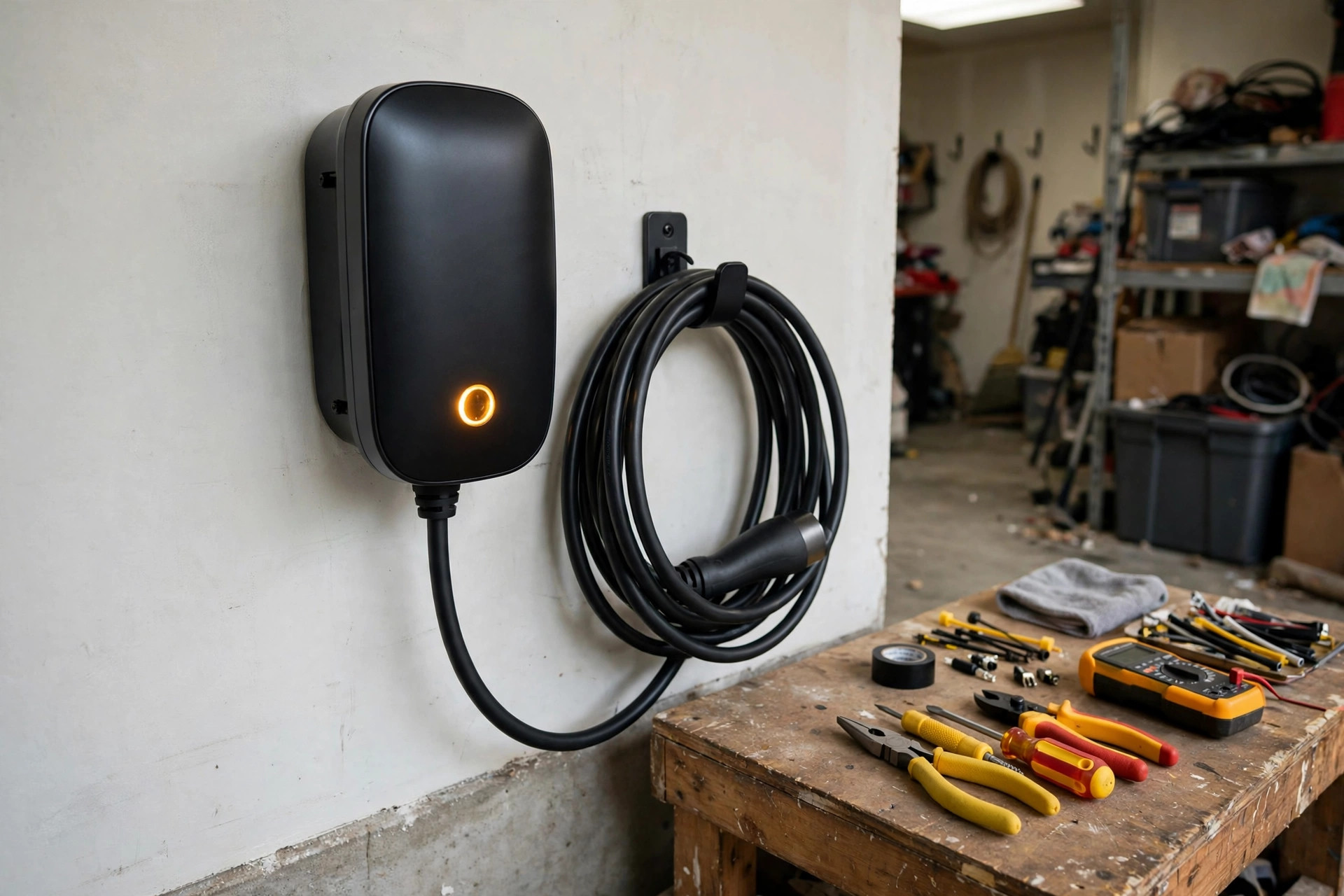
First: Is the Charger Getting Power at All?
Start at the panel, not the charger. A Level 2 charger is a 240-volt appliance with no battery backup — if its circuit loses power, it goes completely dark: no lights, no app connection, no hum.
- Check the breaker. Open your electrical panel and find the breakers labeled for the charger. A tripped breaker sits between on and off, or shows an indicator. Reset it once by switching it fully off, then on. If the charger wakes up and charges normally, watch it over the next session or two — a single trip can follow a storm or a grid hiccup.
- If it trips again, stop. A breaker that trips immediately, or repeatedly during charging, is the protection system doing its job. Common causes are an overloaded or failing breaker, a ground fault, or a charger drawing more than the circuit allows. Do not keep resetting it — repeated tripping is the clearest "call a professional" sign there is, and our EV charger repair page explains how a diagnosis separates those causes.
- Remember the GFCI. Garage receptacles for plug-in chargers sit on GFCI protection, usually a GFCI breaker in the panel. It trips the same way and resets the same way — and if it will not hold, that is also a professional's job, not a puzzle to work around.
Look at the Cable, the Connector, and the Charge Port
If the charger has power but the car will not start a session, the connection is the next suspect. Charging cables live a hard life: driven over, kinked by garage doors, baked by Texas heat, and plugged and unplugged thousands of times.
- Inspect the cable along its whole length. Cuts, crushed or flattened sections, melted spots, or exposed inner material mean the cable assembly is done — do not charge through visible damage.
- Check the connector. It should slide into the car's port and latch with a positive click. A connector that feels loose, will not latch, or shows bent, corroded, or heat-discolored contacts explains a lot of "it starts, then stops" behavior.
- Check the car's charge port. Debris, a damaged pin, or a port door that does not fully open can prevent a session from starting. Clear anything obvious away with the car off — and never poke at contacts with metal tools.
- Reseat everything. Unplug the connector, wait a few seconds, and reconnect it firmly. Then, for plug-in chargers, do the same at the wall end: a plug that has crept partway out of its NEMA 14-50 outlet can pass enough contact to look fine and still fail under load.
One upgrade note: a plug-in setup adds the outlet as one more wear point than a hardwired one. Our comparison of hardwired vs plug-in EV chargers explains where each format wears and why it matters over years of daily use.
Check the Car's Side: Settings, Schedules, and Limits
Sometimes the charger is fine and the car is politely declining to charge. Before assuming hardware failure, rule out the vehicle's own settings:
- Scheduled charging. Many EVs and many smart chargers can be told to charge only during set hours. A schedule set for a trip, a rate plan, or a daylight-saving shift can silently move your charging window — and the car simply waits, uncharged, all night. Check both the car's schedule and the charger's app.
- Charge limit. A battery limit set low — say 50 or 60 percent — stops charging exactly there. If the car is "not charging" but sitting at a round number, this is usually why.
- Departure and preconditioning timers. Some cars hold charging until the battery can finish right before a set departure time, which looks like a refusal to charge in the evening.
- A second profile or key. Guest or valet settings, and a different driver profile on a shared car, can carry different charging preferences than yours.
The quick test: start a session manually from the car's screen or the charger app, overriding any schedule. If the car charges on demand, your hardware is healthy and the answer lives in the settings.
Read the Lights: What Error Indicators Usually Mean
Nearly every charger communicates through status lights or a fault pattern, and nearly every manufacturer publishes the key. Before calling anyone, note the pattern — a steady red, a blinking sequence, an amber warning — and take a quick photo. The usual translations:
- Solid red or a repeated fault blink: the charger has detected an internal fault or an unsafe condition and shut down. Stop using it and have it looked at.
- Ground-fault indication: the unit detected current leaking where it should not. It may allow a limited number of retries; if it keeps faulting, the cause is in the charger, the cable, or the circuit — a diagnosis, not a reset, is next.
- Over-temperature warning: common in hot Central Texas garages. Many chargers deliberately slow down or pause to protect themselves. If it happens every hot afternoon, placement, ventilation, and the connections all deserve a look.
- No lights at all: back to the first section — power supply, breaker, or a completely failed unit.
Whatever the pattern, write it down exactly. "Red light, blinks three times, pauses, repeats" tells a technician more over the phone than a dozen guesses.
Smart Charger Acting Dumb: Wi-Fi and App Issues
A charger that charges the car but has vanished from its app is annoying; a charger whose schedule lives in the cloud can turn a network problem into a no-charge night. Work through it in order:
- Reboot the network gear and the charger. Restart the router, then power-cycle the charger at the breaker for a full minute. Garages are far from most routers, and a weak signal that worked in spring can fail after a router firmware update or a rearranged house.
- Re-pair in the app. If the charger shows offline, remove and re-add it, or re-enter the Wi-Fi network — a changed router name or password orphans every smart device on the old one.
- Check the app's schedule. The same cloud schedule that saves money can hold a charge hostage. Set the charger to charge immediately and confirm the car responds.
- Test plain charging. Most smart chargers will still deliver a basic session with no network at all. If yours will not charge without Wi-Fi and the app will not come back, the charger's radio or control board may have failed — that is repair territory.
Matching the Symptom to the Likely Cause
- No lights, no app, nothing: tripped breaker or GFCI, a failed power supply to the unit, or a dead charger.
- Breaker trips when charging starts: circuit overload, a failing breaker, or a ground fault — professional diagnosis.
- Charger on, car will not start a session: connector not latching, cable or port damage, or the car's charge settings.
- Charges for a while, then stops: heat protection in a hot garage, a schedule boundary, or a connection degrading under load.
- Charges far more slowly than it used to: a changed amperage setting, a charge limit in the car, heat-related slowdown, or a connection wearing at the outlet or breaker.
- App offline but car charges fine: almost always your network, not the charger.
- Started right after a storm: possible surge damage to the charger's electronics, even when the unit looks untouched.
Geography does not change the electronics: the same checks apply whether the charger is in Leander, in a Cedar Park garage, or across Georgetown — which is why our repair guidance for those cities follows the same order.
When to Stop Troubleshooting and Call a Professional
Everything above is observation and settings — the moment a fix involves opening equipment or touching the circuit, the DIY part is over. Call a professional when:
- The breaker or GFCI trips more than once, or trips instantly on reset.
- You see cable damage, melting, scorch marks, or discoloration at the connector, plug, or outlet.
- The panel or charger feels warm, or you notice a burning smell — treat that one as urgent.
- The charger shows a persistent fault light or ground-fault error after a power-cycle.
- The charger is silent and dark with a confirmed live circuit.
- Charging has slowed or become unreliable and the settings check found nothing.
Never open the charger housing, and never work inside the panel or the circuit. A hardwired charger sits on a 240-volt circuit that can injure or kill, and a plug-in outlet on the same voltage deserves the same respect. When you call Leander EV Charger Pros, we connect you with an independent local professional who can test the circuit and the charger and tell you straight whether it is a repair — or whether the honest answer is a replacement. Have the brand and model, the error pattern you noted, and when the problem started ready: it helps the professional arrive with the right test equipment.
If those checks do not bring it back, EV charger repair in Leander, TX is the next step — a professional can test the charger and its circuit safely.
Checks Done and Still Not Charging?
Call now and we will connect you with a local EV charger repair professional serving Leander who can diagnose the circuit and the charger properly — and give you a straight repair-or-replace answer.
Call Now to Get Connected